Skip to content

Less front-desk work.
More human attention.

Answer everyday questions. Keep the context.
Bring your team in when it matters.

Conversations

Visitor

Can I change my appointment?

New customer

What are your hours?

Website visitor

Do you offer virtual visits?

Returning customer

How do I update my details?

EngageExample conversation
Customer: Can I change my appointment? Engage: I can help with the next step. What day is your appointment?
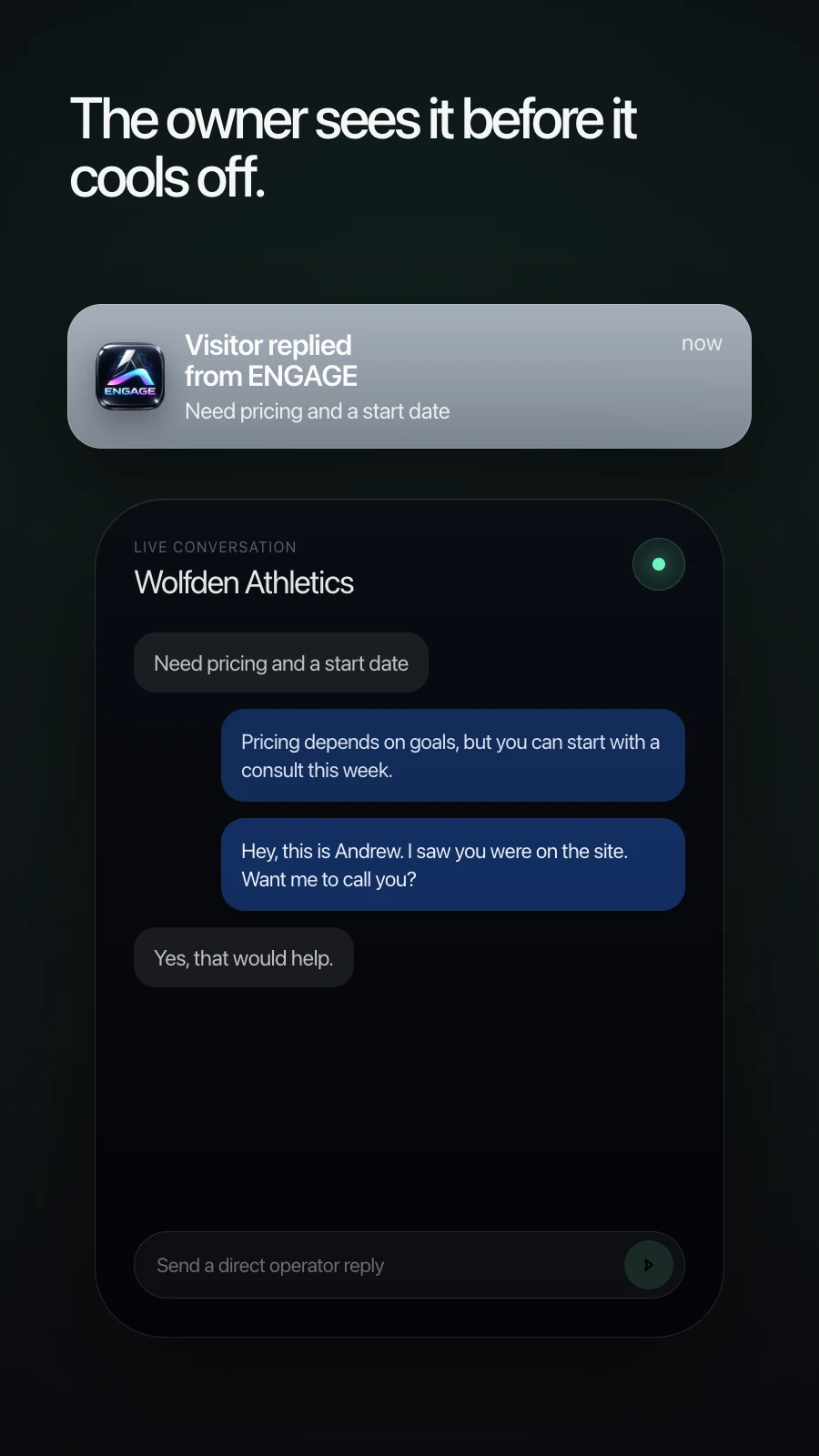
Your team gets the context.

Bring in a person with the conversation history close at hand.

Example conversation

How it works

From questions to great service

A simpler front desk, powered by your knowledge.

Northline StudioExample conversation
Customer: How do I move my appointment? Northline Studio: Use the reschedule link in your confirmation email. Changes are free at least 24 hours ahead. Need help finding your email?

Answer the everyday

A customer asks. Engage answers from your business knowledge, without another call to the front desk.

Answers grounded in your knowledge
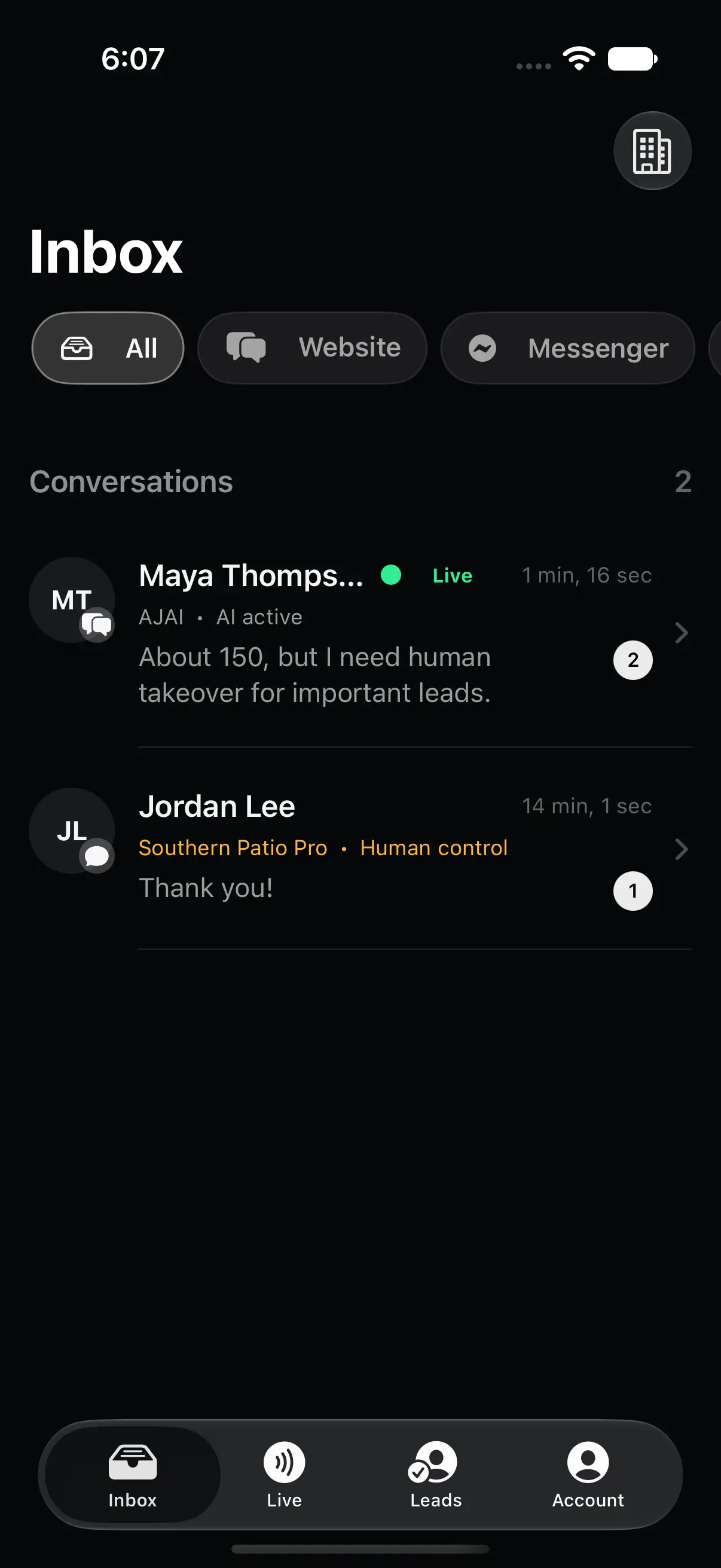
Native Engage iPhone app conversation
Always with you

Support your customers
across every channel.

Meet people where they are—on your website, phone, or connected messaging channels. Stay close with Engage for iPhone.

Connect your AI assistant with Engage MCP

More ways in. A clearer way forward.

Your customers don’t use just one channel.

Neither should your business. Connect the channels you need, ground the answers in your knowledge, and keep your team in control.

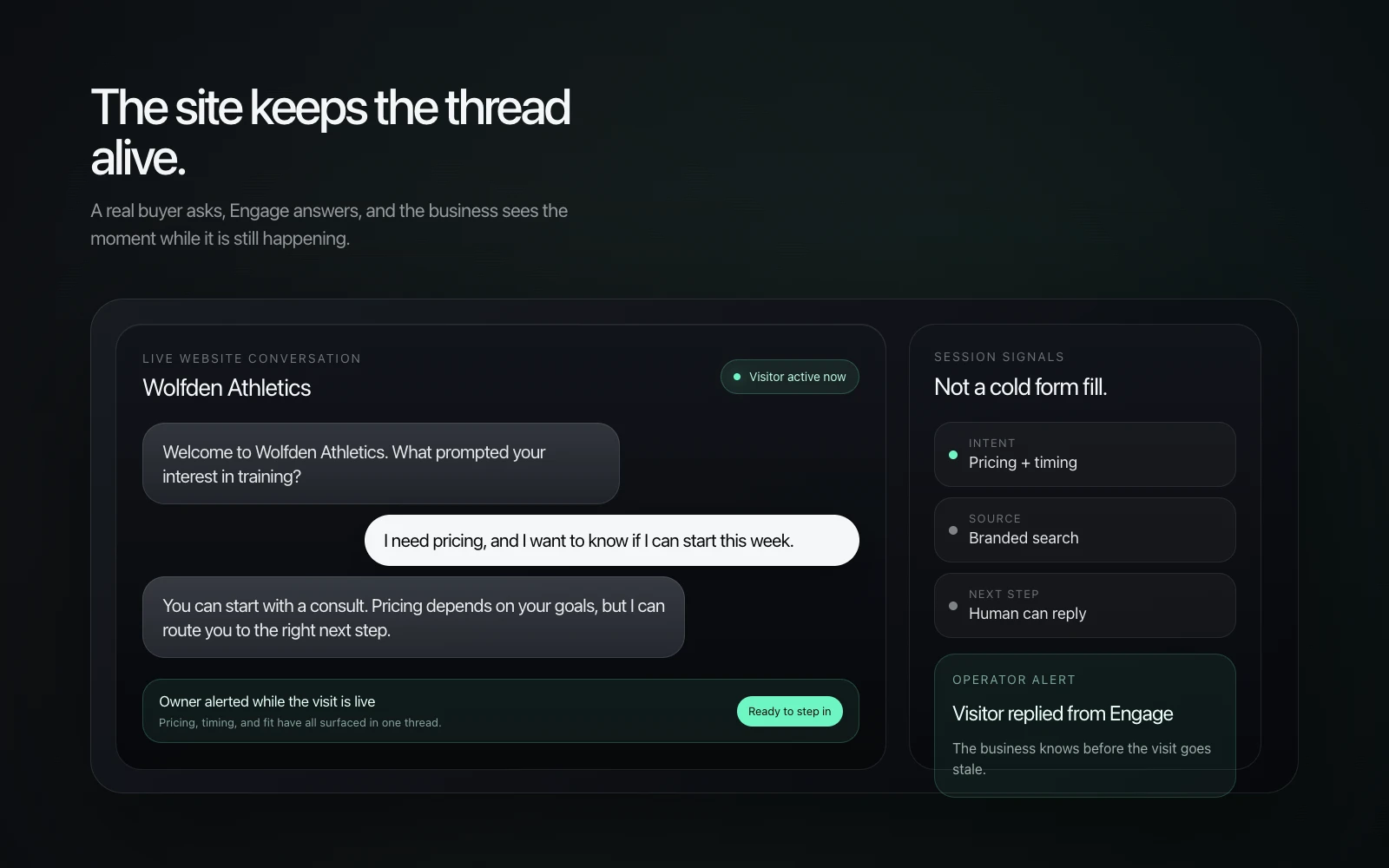
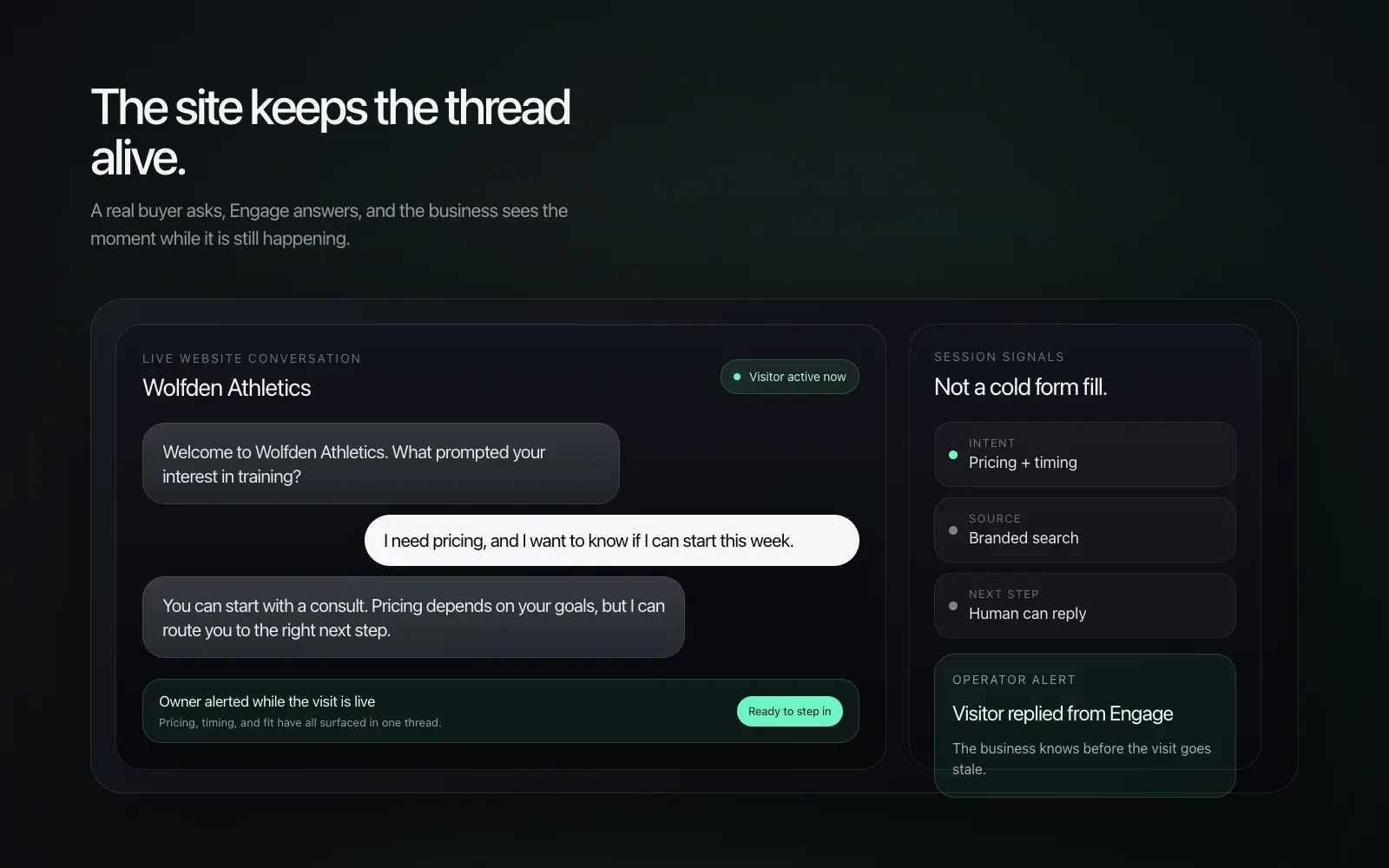
Turn a visit into a conversation.

Answer from your business knowledge, understand what the visitor needs, and bring a person into the conversation when the moment calls for it.

A branded widget. Live visitor context. Human takeover.

See how Engage works

Understand the engagement

Fewer guesses.
A clearer picture.

See how people engage with your business, from your desktop or your iPhone. Put the conversation in context, then decide what deserves your attention.

See the activity behind the conversations.

Bring website sessions, conversations, leads, and link clicks into view. Compare trends over time and see activity across your brands.

Engage analytics showing illustrative engagement totals and daily trends on desktop. Sample data.
The wider view. On your desktop.
Native Engage iPhone app showing conversation trends, source coverage, and brand performance. Sample data.
Conversation trends. In your hand.

Actual product interfaces with illustrative sample data. Website metrics require connected analytics. Link clicks indicate interest; they do not confirm a booking or revenue.

Model Context ProtocolThe Engage MCP connector

Your AI assistant.
Now connected to Engage.

Work on your business in the tools you already use. Connect Engage to ChatGPT, Codex, or another compatible MCP client to review knowledge, refine instructions, and make authorized updates.

Connect your workspace
https://api.ajai.pro/mcp

Your workspace. Your permissions. Read access is separate from administrator write access. Saving knowledge, refreshing retrieval, and testing the answer are separate steps.

Read the connector guide
Engage in ChatGPTReal iPhone session
ChatGPT iPhone app: Engage is asked to review a public FAQ and suggest clearer wording without saving changes
A useful question. From your phone.Ask Engage to review a public FAQ and suggest a clearer answer, without accessing customer conversations or saving changes.View original capture (opens in a new tab)

Captured in the ChatGPT iPhone app using Engage. Availability depends on your account, client, and workspace permissions.

Proposed monthly plans · USD

Choose how much help you need.

Every plan includes the website assistant, business knowledge, images, human handoff and guided MCP setup. New offers are available for review before launch.

Launch

$199 / month

Self-managed website assistant, knowledge base, image library, human handoff and MCP-guided setup.

Review Launch

Growth

$399 / month

Launch plus one monthly assistant review and up to one hour of configuration help per month.

Review Growth

Scale

$799 / month

Growth plus weekly assistant reviews and up to three hours of configuration help per month.

Review Scale

Support, separately priced.

Standard · Included

Email support, target two business days.

Priority · $99/month

Priority email support, target four business hours for service-blocking incidents and one business day for other requests.

Enterprise · Custom

Custom contract for incident coverage, named contacts and any 24/7 commitment. Contact sales.

Self-service setup is included. Assisted setup is optional at $499 one time.

  • One business workspace per subscription. USD, monthly renewal, taxes extra where applicable.
  • Business hours: Monday–Friday, 9am–5pm America/Chicago, excluding US federal holidays. Response targets are initial-response goals, not resolution guarantees or an uptime SLA.
  • Voice, phone numbers, SMS, carrier charges and third-party usage are separately scoped and require explicit agreement. No unlimited-use promise or automatic overage charges.
  • Managed-service hours do not roll over. Reviews cover existing configuration and approved content; custom development and website redesign are excluded.
  • Proposed pricing and support commitments require commercial approval before launch. Existing customer subscriptions are not migrated.
FAQ

Questions, answered.

What is Engage?

Engage answers everyday customer questions using your business knowledge, and brings your team into the conversation when a person is needed.

What happens when Engage doesn’t know?

Your team can review the conversation and take over. You define the knowledge, instructions, and handoff workflow during setup.

Can Engage book appointments?

Engage can guide customers to your booking flow. Availability, changes, and confirmations depend on the booking tools and workflows configured for your business.

Which channels does Engage support?

Website chat and configured voice, SMS, email, Facebook Messenger, and Instagram workflows. Channel access, provider requirements, and pricing are confirmed during setup.

Give your front desk
some breathing room.

Answer everyday questions. Keep the context.
Bring your team in when it matters.